



The following guidance instructs on how to use the Allegra Copy Center. The Copy Center offers many print job choices, which you can customize and have delivered to your school.
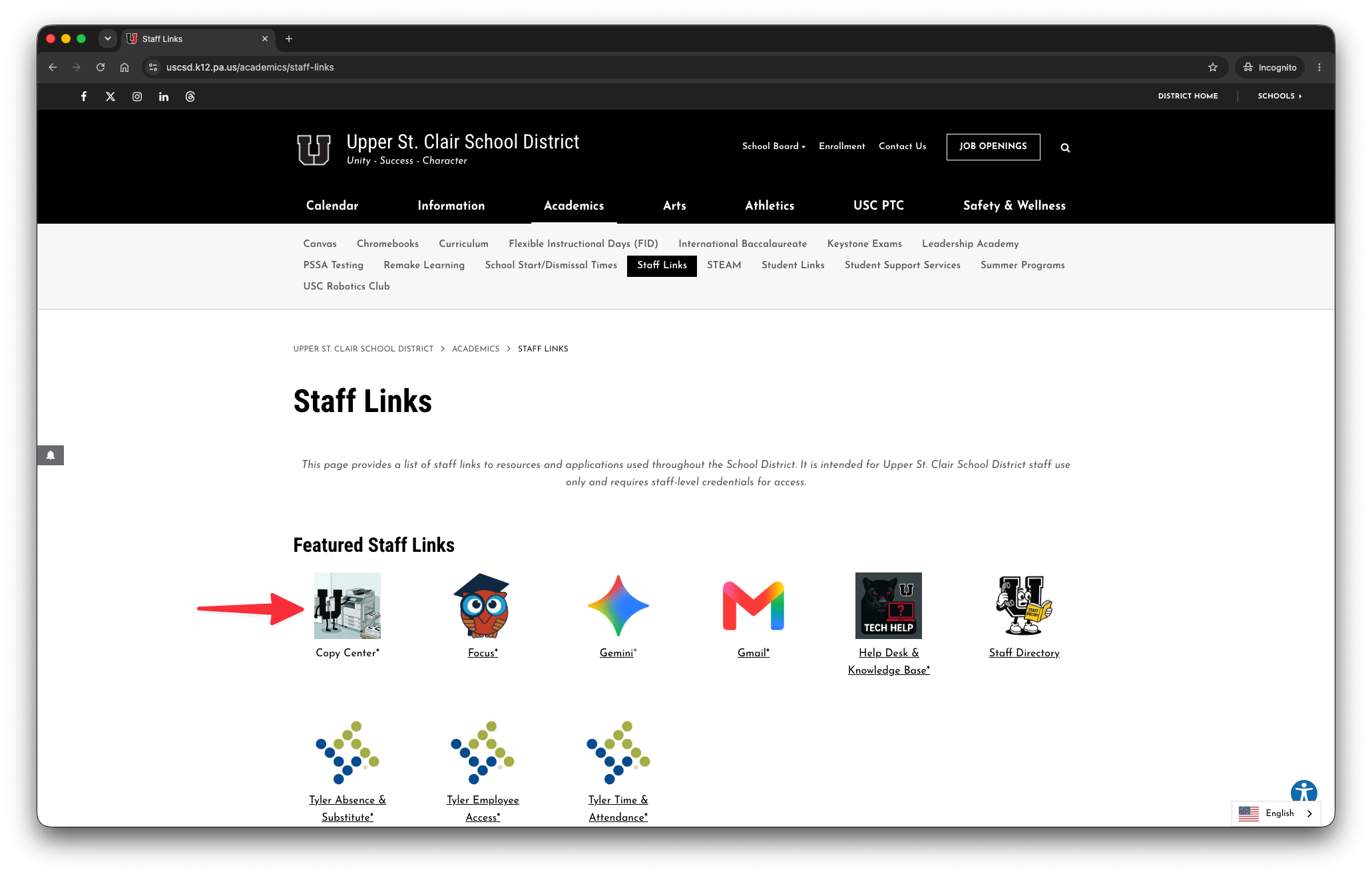
Log into the Copy Center using the district's Staff Links page at uscsd.k12.pa.us/academics/staff-links, or going directly to uscsd.org/copy.
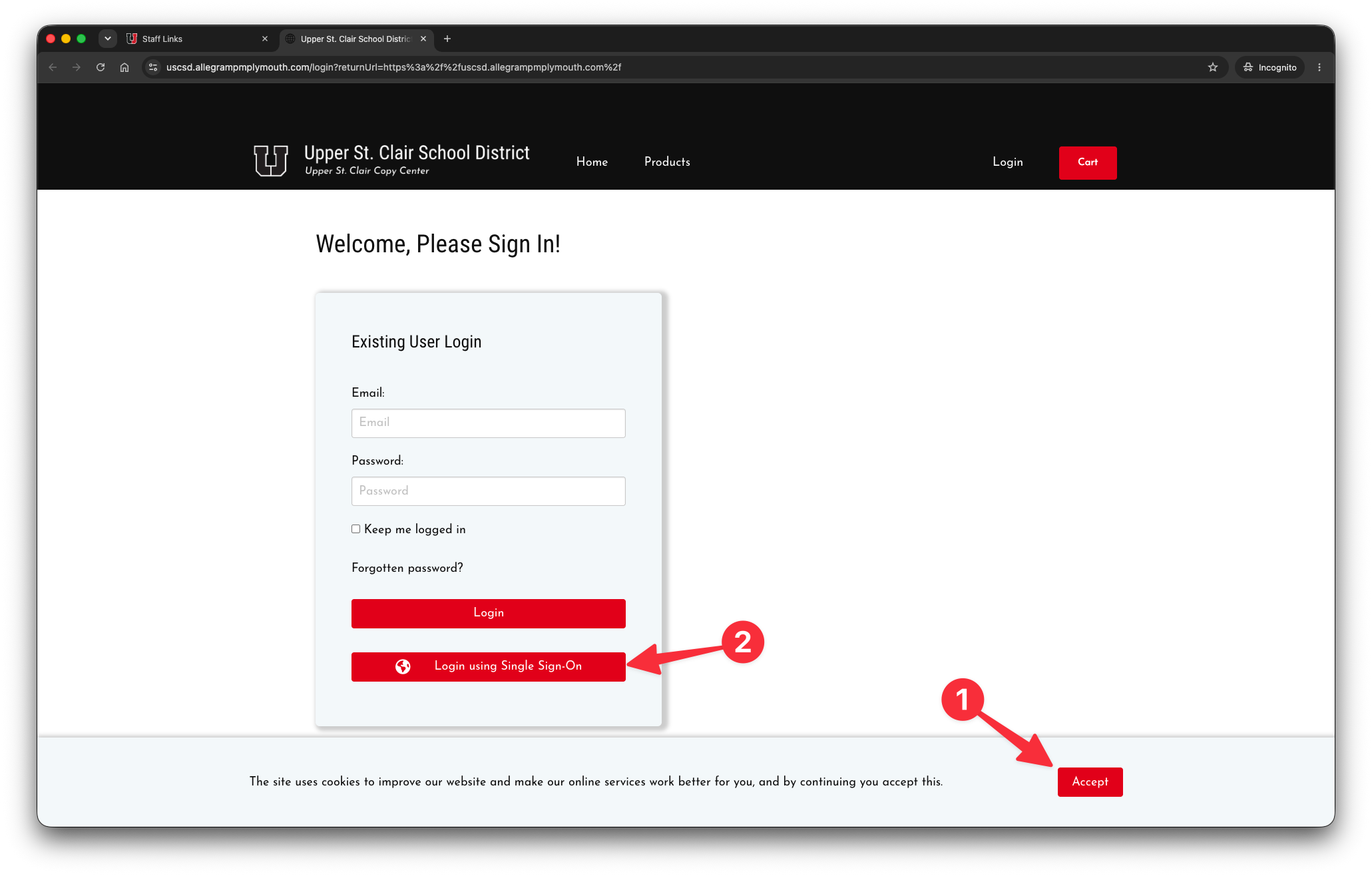
Accept web browser cookies from the Copy Center by clicking the Accept button, then login by clicking the Login using Single Sign-On button.
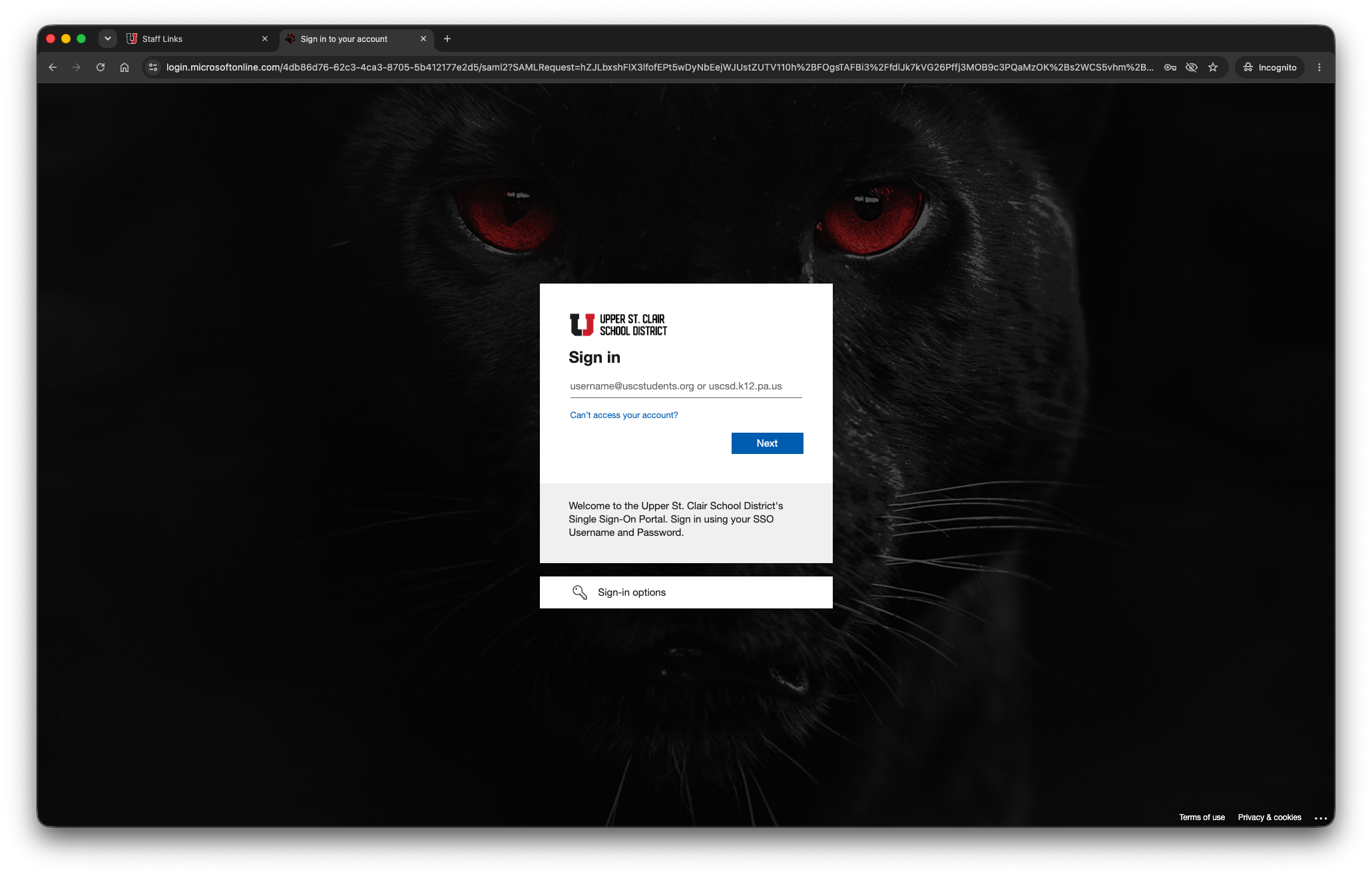
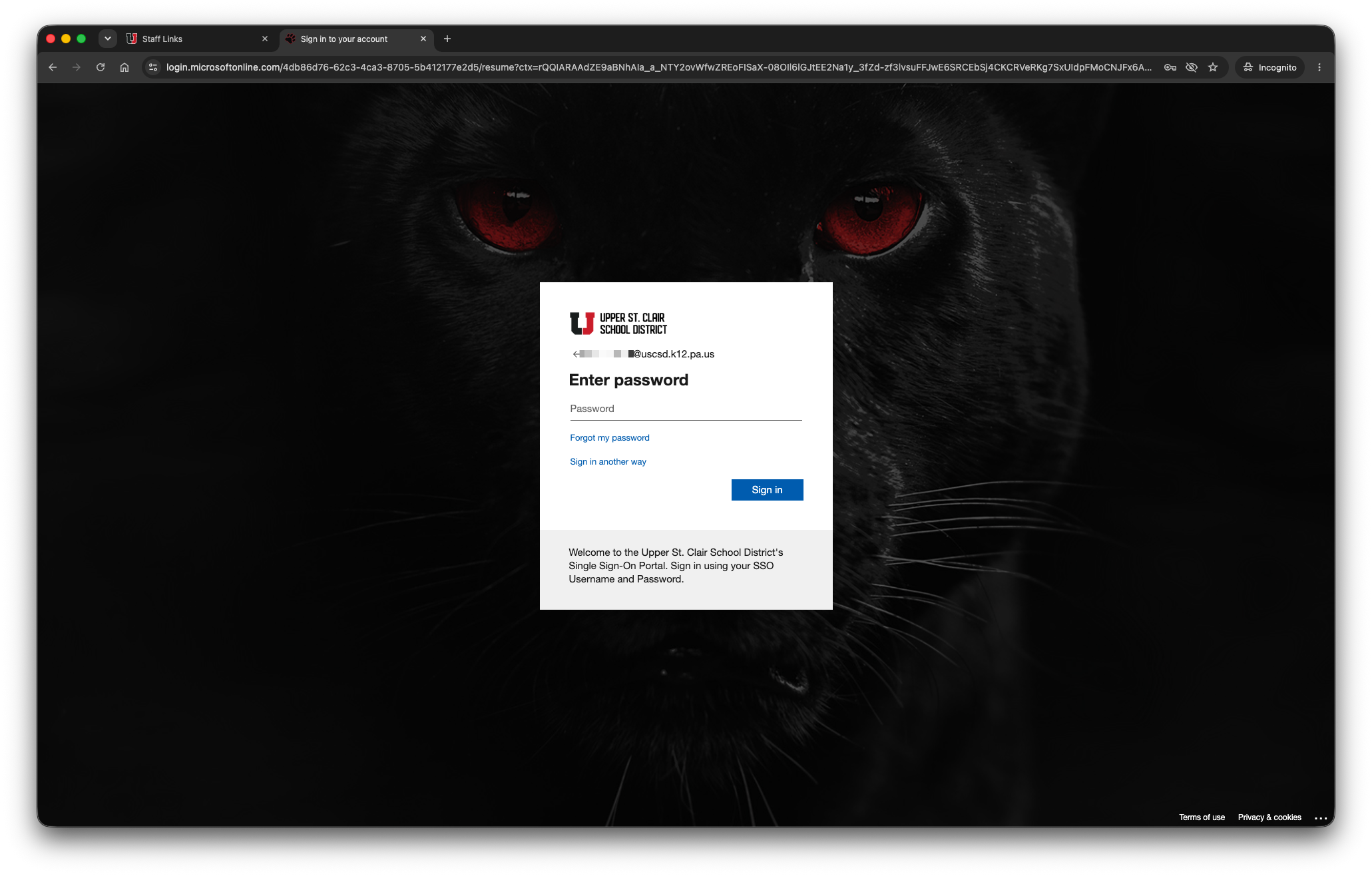
If prompted for your SSO account, enter your username, password and code as per the following screen shots.
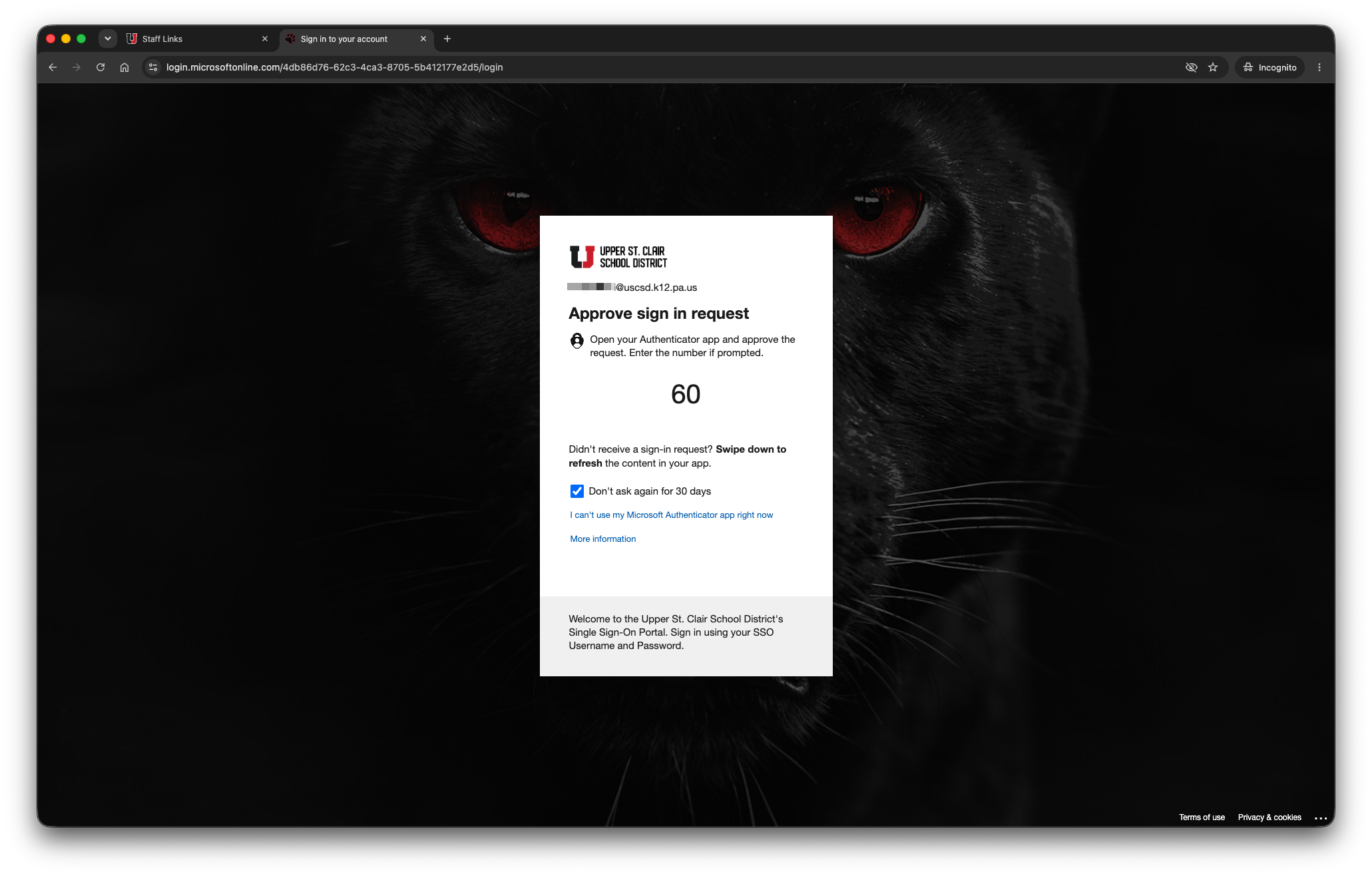
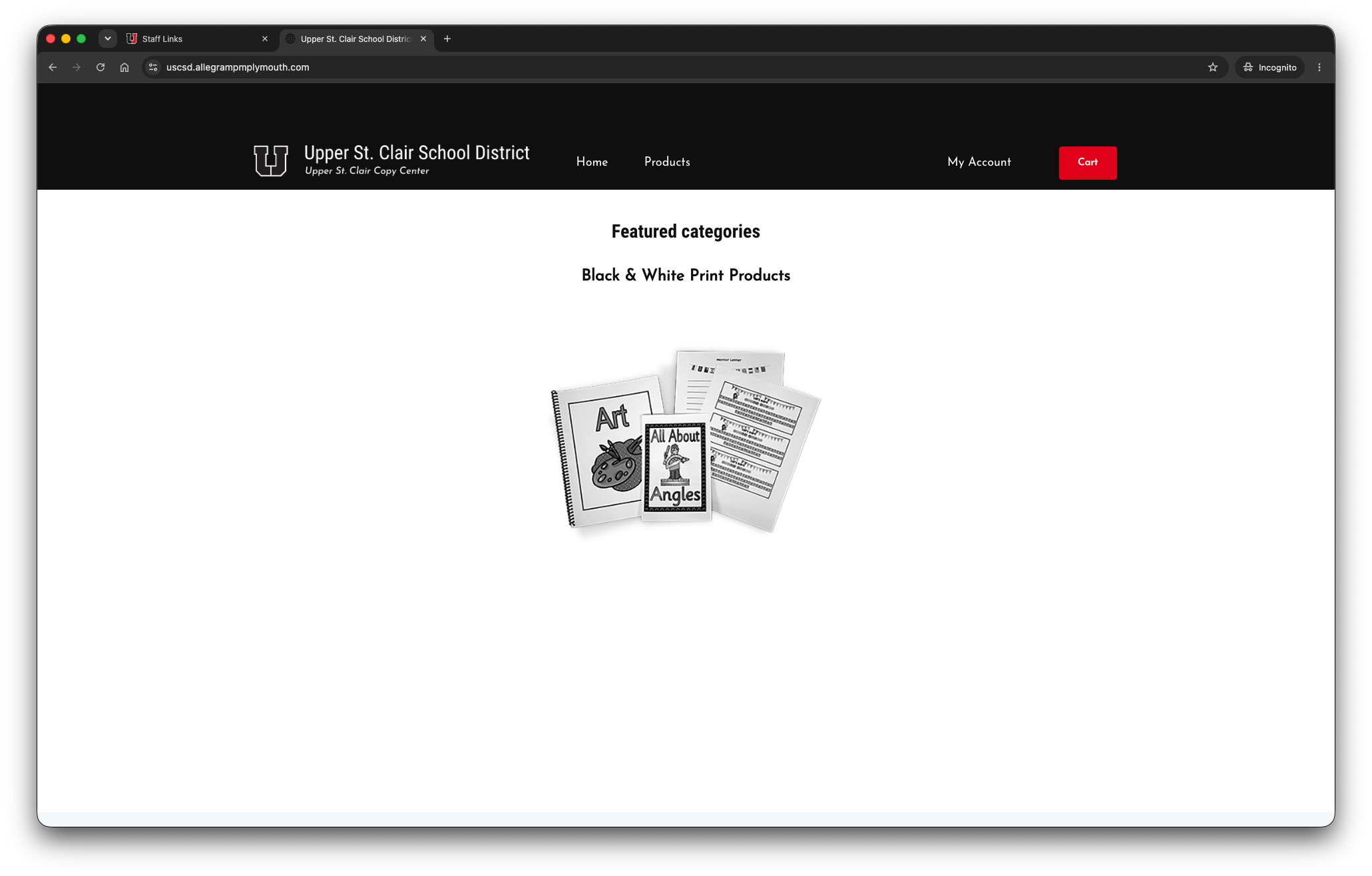
Once logged in, you will be taken to the Copy Center home page. Here, you will find the products that are available for your print jobs. The following shows the black & white product offerings. Color product offerings are available upon request to the district's Technology Department.
Using the Copy Center is demonstrated in the following tutorial.

