



This guide explains the mandatory safety and privacy protections built into the AI tools at USC. Our district utilizes Google Workspace for Education Plus. Because we have configured all student accounts with the "Under 18" age label, Google automatically activates the Gemini Youth Experience.
These privacy and safety settings are not optional; they are permanent, district-wide safeguards provided by Google to ensure a secure academic environment.
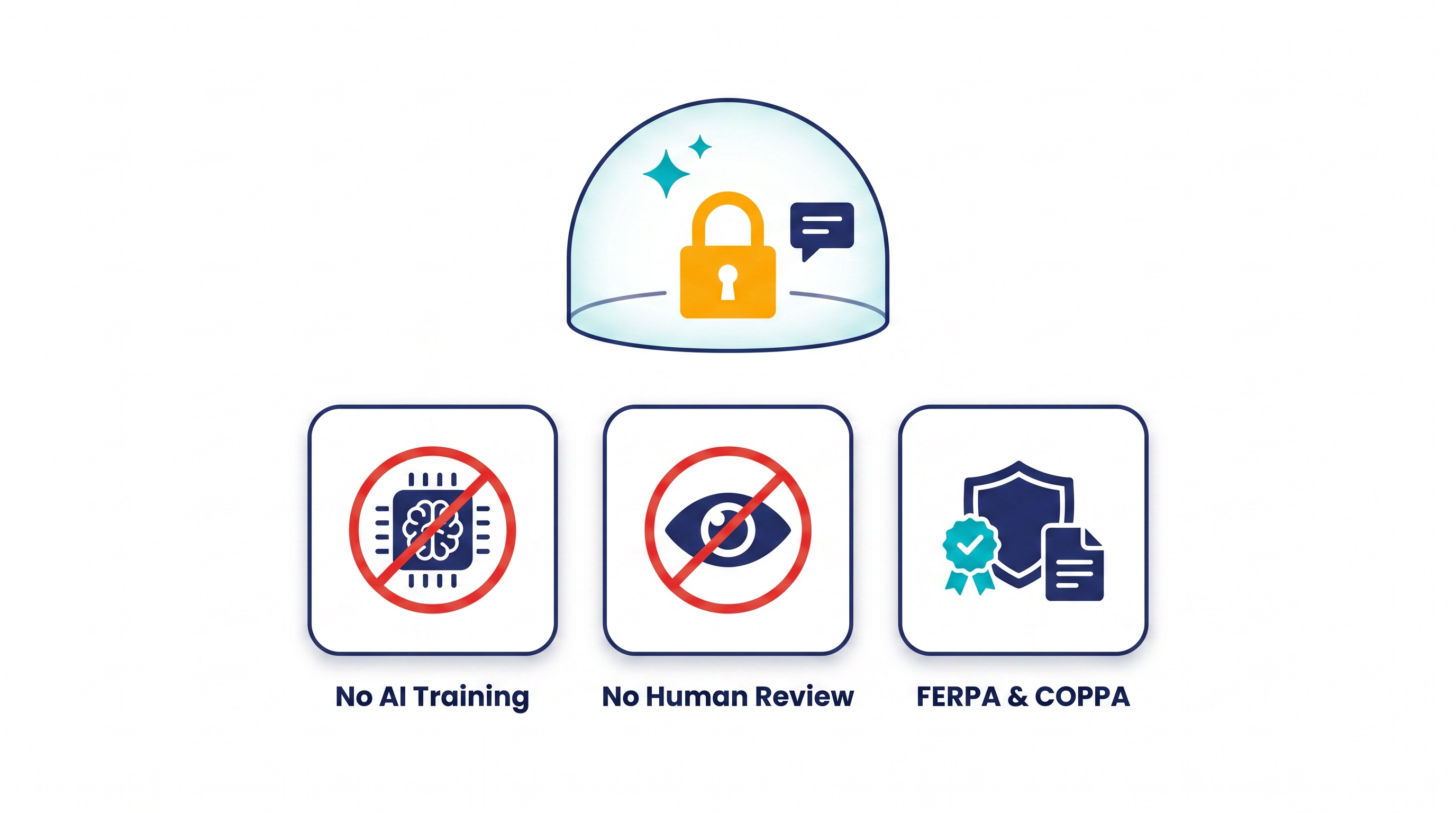
🛡️ Built-in Privacy: Locked by Design
The Education Plus version of Gemini includes privacy protections that cannot be bypassed or disabled. These settings ensure:
-
No "Hive Mind" Training: Student prompts, uploaded files, and chat histories are never used to train Google’s global AI models. Data remains strictly within USC’s private domain.
-
No Human Review: Google is contractually prohibited from allowing human reviewers to read or review chats created by our students.
-
Legal Compliance: These privacy standards are hard-coded to meet federal FERPA and COPPA requirements.
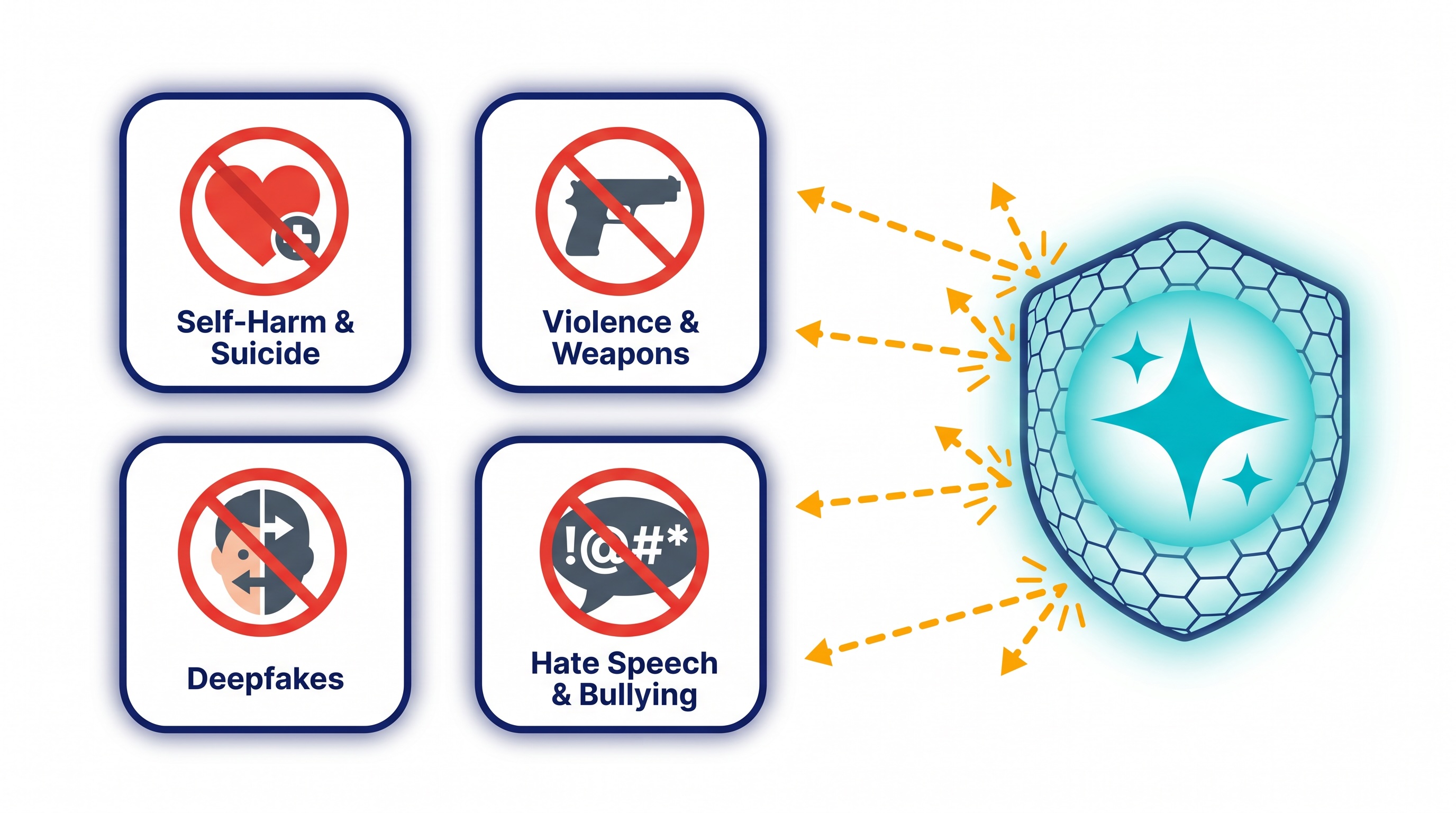
🚫 Mandatory Safety Guardrails: What Content is Blocked
The Under 18 Youth Experience comes with generative content filters that automatically block inappropriate or dangerous outputs. These filters trigger after the generative process and are distinct from file upload protections:
-
Self-Harm & Suicide: The system is programmed to detect these topics. It will refuse harmful instructions and instead provide immediate links to supportive resources and crisis hotlines.
-
Violence & Weapons: Gemini is restricted from generating instructions for illegal acts, promoting violence, or providing guides on how to create weapons (such as bombs).
-
Deepfakes & Harmful Media: The system automatically blocks the generation of photorealistic images of real people, "nudified" images, or sexually explicit content. It also refuses requests to modify human faces in uploaded photos or videos.
-
Bullying & Hate Speech: Strict filters are in place to automatically reject prompts designed to generate hate speech or content targeting individuals based on race, religion, or other protected classes.
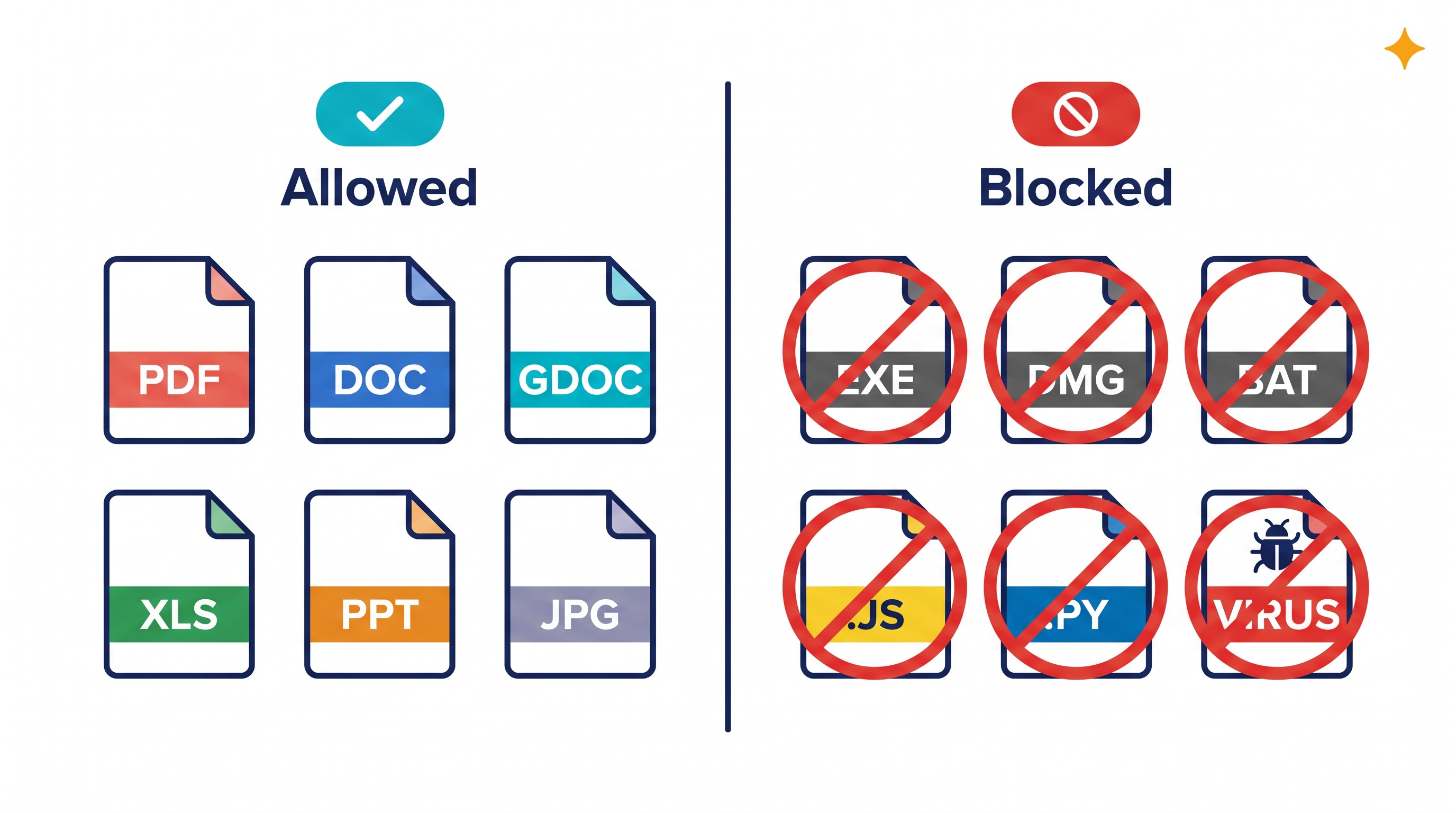
📂 File & Video Uploads: Technical Protections & Study Tool
Students can upload files directly from their device or pull them from their USC Google Drive to use the AI as a study tool. To maintain the technical integrity and security of our district network, the system automatically blocks certain file types and proactively scans all uploads for harmful technical behavior:
1. Blocked File Types
The system will not allow the upload of file types commonly associated with malware or execution of scripts:
-
Executables:
.exe,.dmg,.msi,.bat, etc.
-
Scripts:
.js,.py,.sh,.vbs, etc.
-
System Files: Any system-level files from the operating system.
2. File Protections and Technical Blocks
Every uploaded file is actively scanned and blocked if any of the following is detected:
-
Malware & Viruses: Automatic scans reject files containing known malware or malicious code.
-
Sensitive Personal Data (PII): The system automatically blocks uploads containing sensitive PII like Social Security numbers, credit card numbers, or medical data.
-
System Abuse: Uploads are actively blocked if they exceed the technical limits for file size or video length.
3. Proactive Mandatory Limits
To ensure fair system performance and technical integrity, Google enforces the following mandatory limits for all Under 18 accounts:
| Feature | USC Student (Under 18) Mandatory Protections | |
| Accepted Files | PDFs, Word Docs, Google Docs, Excel/Sheets, PowerPoints, and Images. | |
| Video Support | Up to 5 minutes for analysis and transcription. | |
| File Limit | Up to 10 files at once; max 100 MB per document. | |
| Deepfake Block | Automated refusal to "face-swap" or modify people in uploaded media. | |
| Data Privacy | Every file uploaded is protected. It is never used for AI training or seen by humans at Google. |
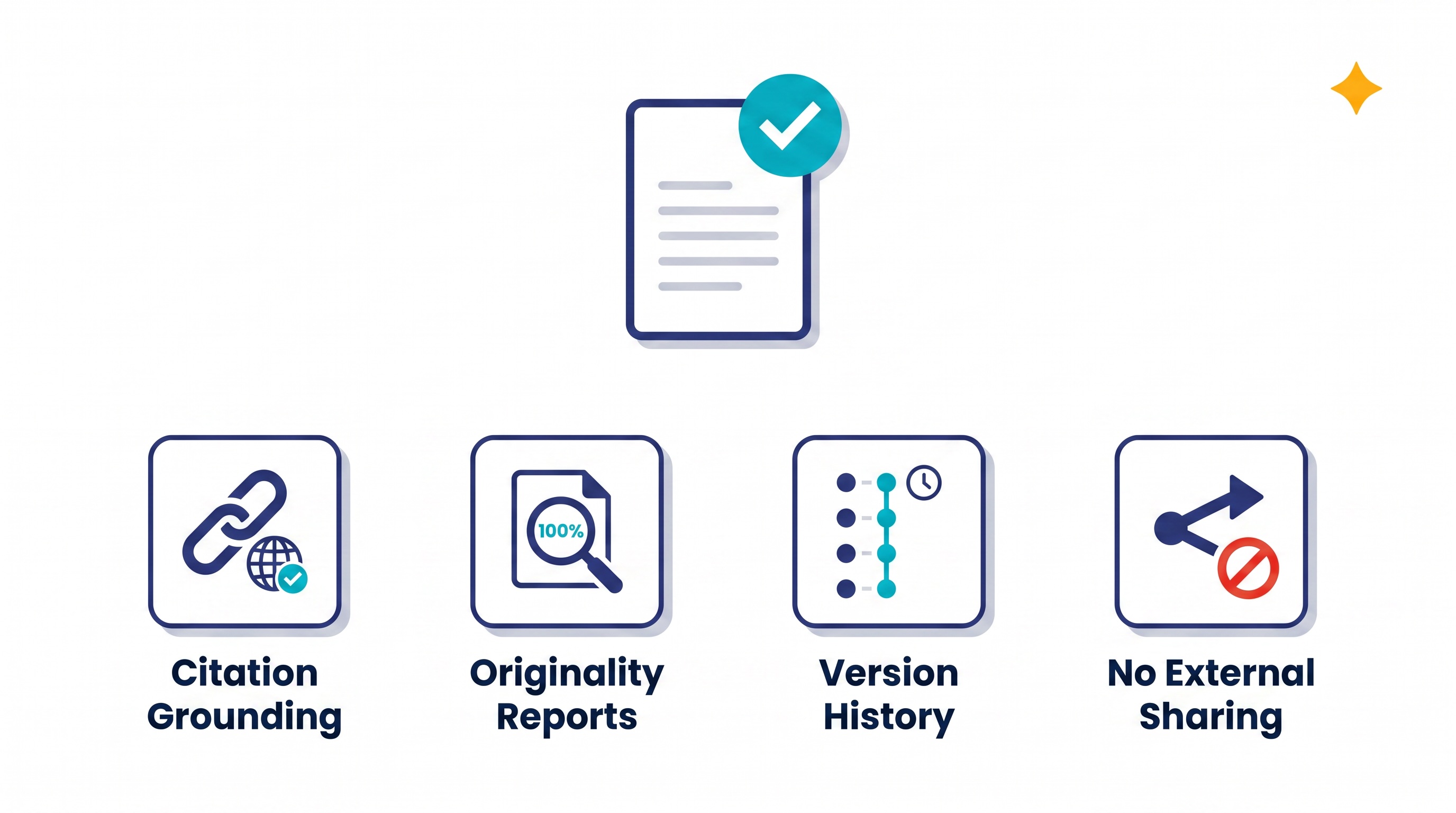
✍️ Academic Integrity & Accountability
Because students turn in their assignments via Google Docs, our district has built-in features to ensure AI is used as a collaborator, not a shortcut:
-
Automatic Citation Grounding: Gemini includes a "Double Check" feature that helps students find the real-world websites they should be citing.
-
Unlimited Originality Reports: As part of our district's license, teachers have unlimited access to run Originality Reports directly on submitted Google Docs. These scans check the paper for AI-generated text and plagiarism.
-
Version History Tracking: Because all writing happens within Google Docs, USC teachers can review the creation of a paper. The document's history will clearly show if an essay was written over time or simply pasted in all at once from an AI.
-
No External Sharing: Students are prohibited by the system from creating public links to their AI chats, preventing them from sharing AI-generated answers with peers.
🔍 Summary of Gemini Controls
-
District Product: Google Workspace for Education Plus
-
Student Experience: Gemini (Under 18 Youth Experience)
-
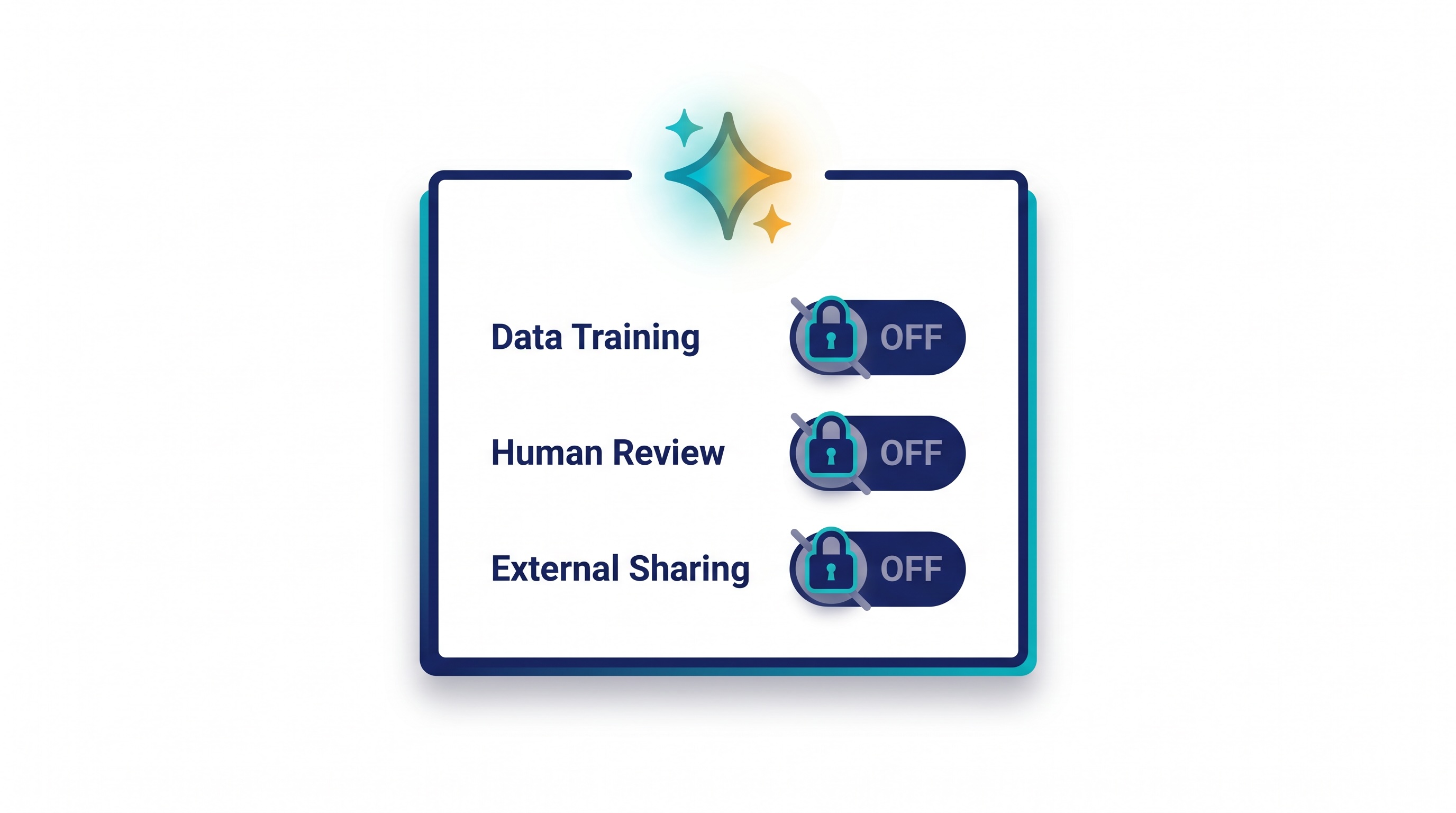
Data Training: PERMANENTLY DISABLED
-
Human Review: PROHIBITED
-
External Sharing: DISABLED
By using these tools, USC ensures that students can navigate AI safely while their personal privacy remains fully protected by the system's hard-coded restrictions.

