Signing into Canvas on the web - Staff & Students

Nov 26, 2025
 3728
3728
1. Navigate to the Canvas login screen using any of the following methods:
- The school district homepage has a link to Canvas in the “Quick Links” bar across the center of the page.

- Staff Links
- Student Links
- Managed bookmarks on district-owned laptops or Chromebooks.
- Directly by going to https://canvas.uscsd.k12.pa.us
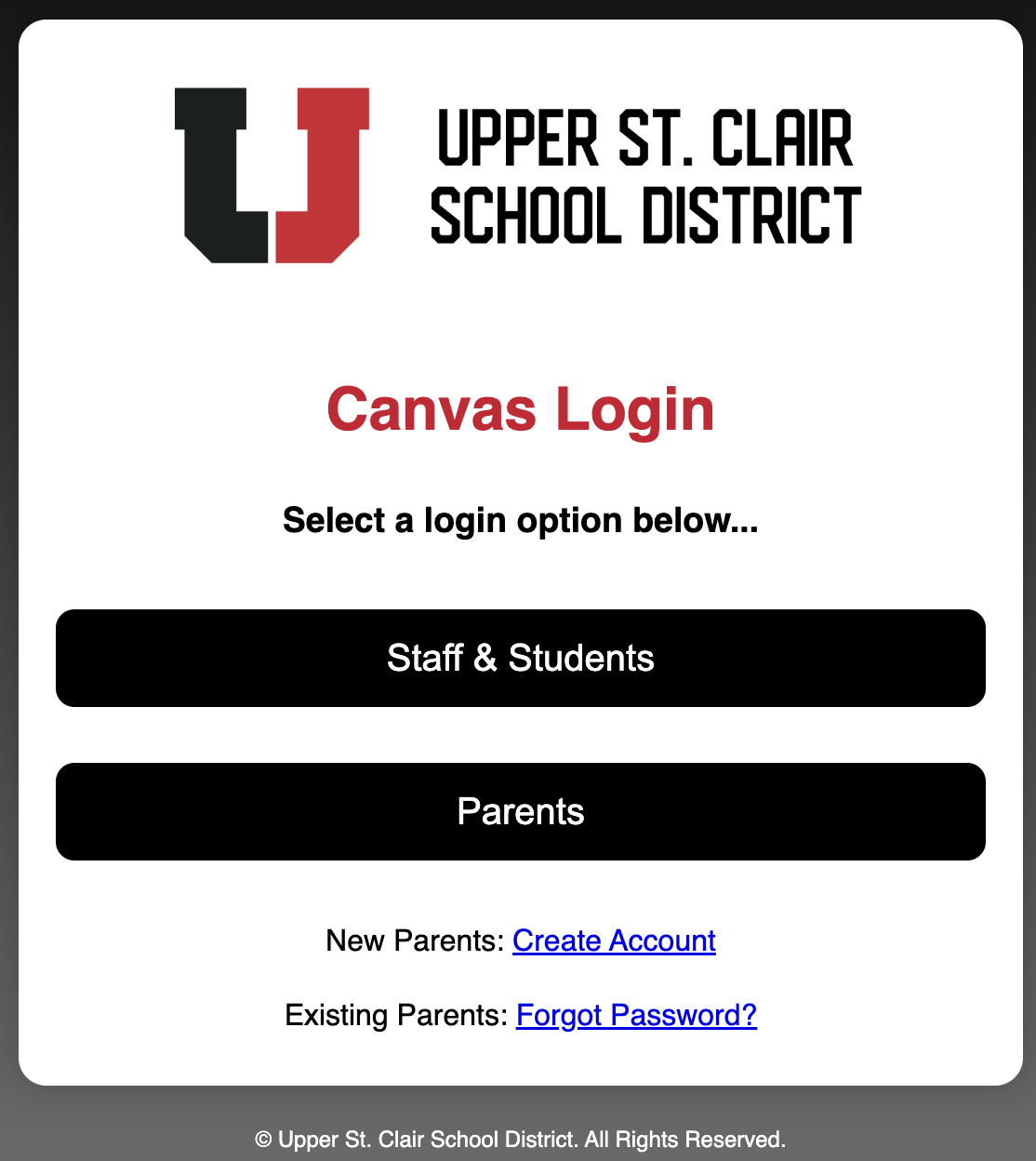
2. On the “select a login option” page, click “Staff & Students”.
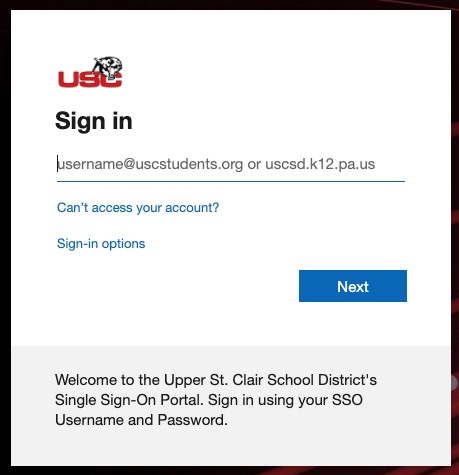
3. On the “Sign In” page, enter your full email address as the username and click “Next”.
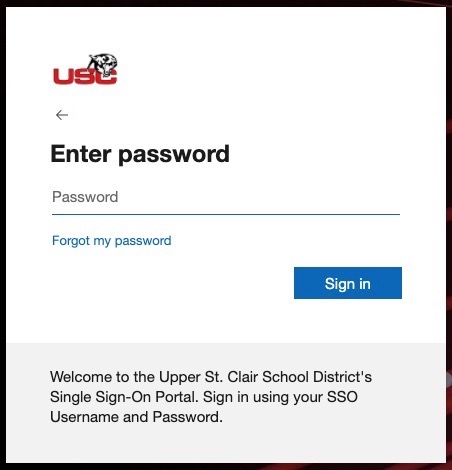
4. Enter your SSO password and click “Sign in”. This is the same password you would use to log in on a school district computer.