


 774
774
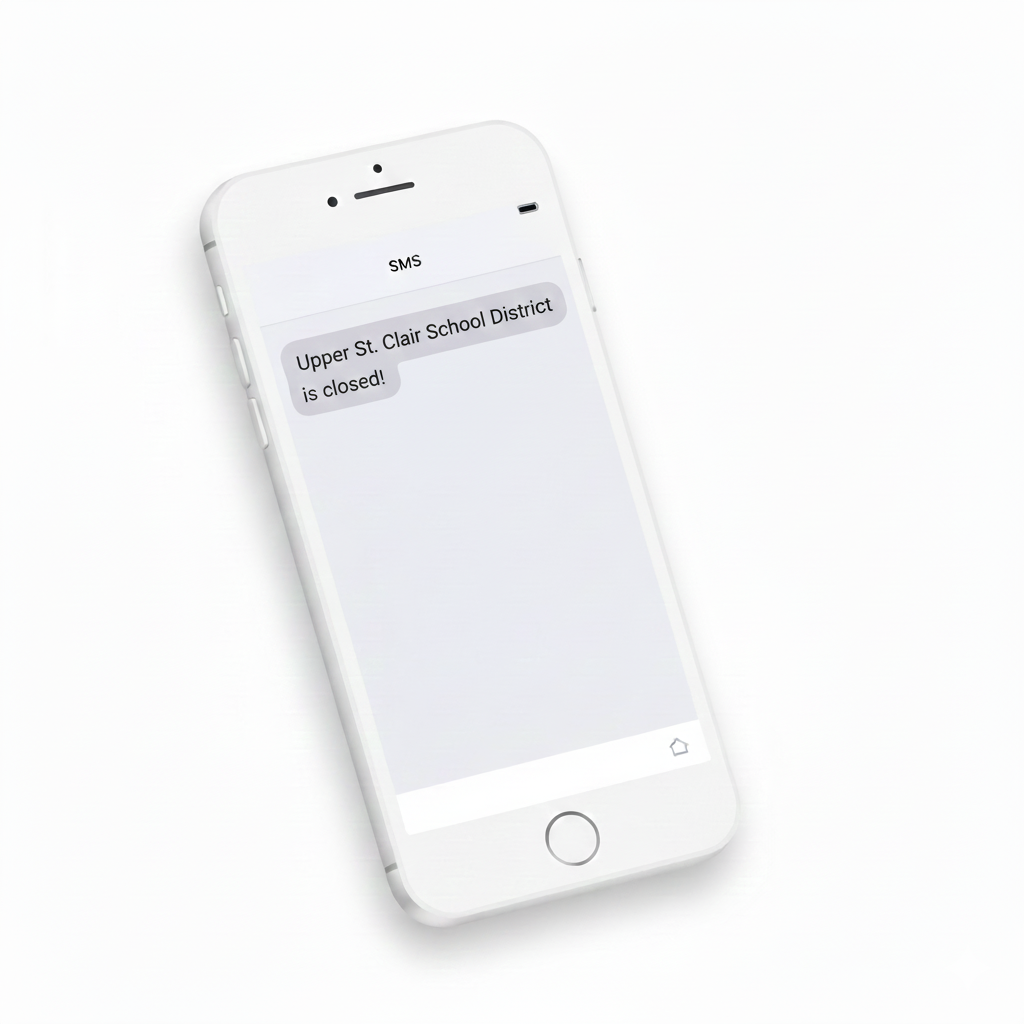
USCSD uses an automated alert system to send emails, phone calls, and text messages to parents and guardians. The steps below can help ensure you receive district messages.
What affects delivery
-
Many cellular carriers filter suspected spam calls or texts and mass marketing calls or texts.
-
Most smartphones include built in call and message filtering features.
-
Some families also use third party apps that filter calls and messages.
-
Some cellular carriers may route automated calls directly to voicemail. If your voicemail is not set up, you may not receive a notification that a call was received.
-
Email providers also use spam and security filtering. Messages may be routed to a junk or spam folder, or blocked before reaching your inbox.
Why Restarting Your Phone Helps
-
Smartphones are small computers and can develop temporary issues over time.
-
Just like restarting a computer can resolve problems, restarting a phone can resolve similar issues.
-
Calls and text messages rely on apps and system services to be delivered.
-
If those apps or services are not working correctly, alerts may not come through.
-
Many people have reported that restarting their phone resolves these issues and restores calls and messages.
How USCSD can confirm a message was sent
Our Student Information System, FOCUS, includes delivery logs that show:
-
The phone number that was contacted
-
Whether a call or text was sent
-
Which cellular carrier the message was sent to
Once the phone call or message is sent to your cellular carrier, USCSD cannot confirm whether the carrier delivered it to your phone.
What you can do to improve delivery
Please add these to your phone contacts:
-
412-833-1600 as USCSD Call
-
412-838-9604 as USCSD Call
-
70656 as USCSD Text
Emails
-
Add this email addresses to your email contacts - [email protected]
-
Add the [email protected] email addresses to your safe sender or approved sender list, if your email system supports it.
-
Check your junk or spam folder regularly for district messages.

