



This guide explains the mandatory safety and privacy protections built into BriskAI, an educational tool utilized by our district. Our teachers use BriskAI to safely create resources, monitor academic integrity, and provide interactive, teacher-directed AI experiences for students.
These privacy and safety settings are permanent safeguards designed to ensure a secure and compliant academic environment.
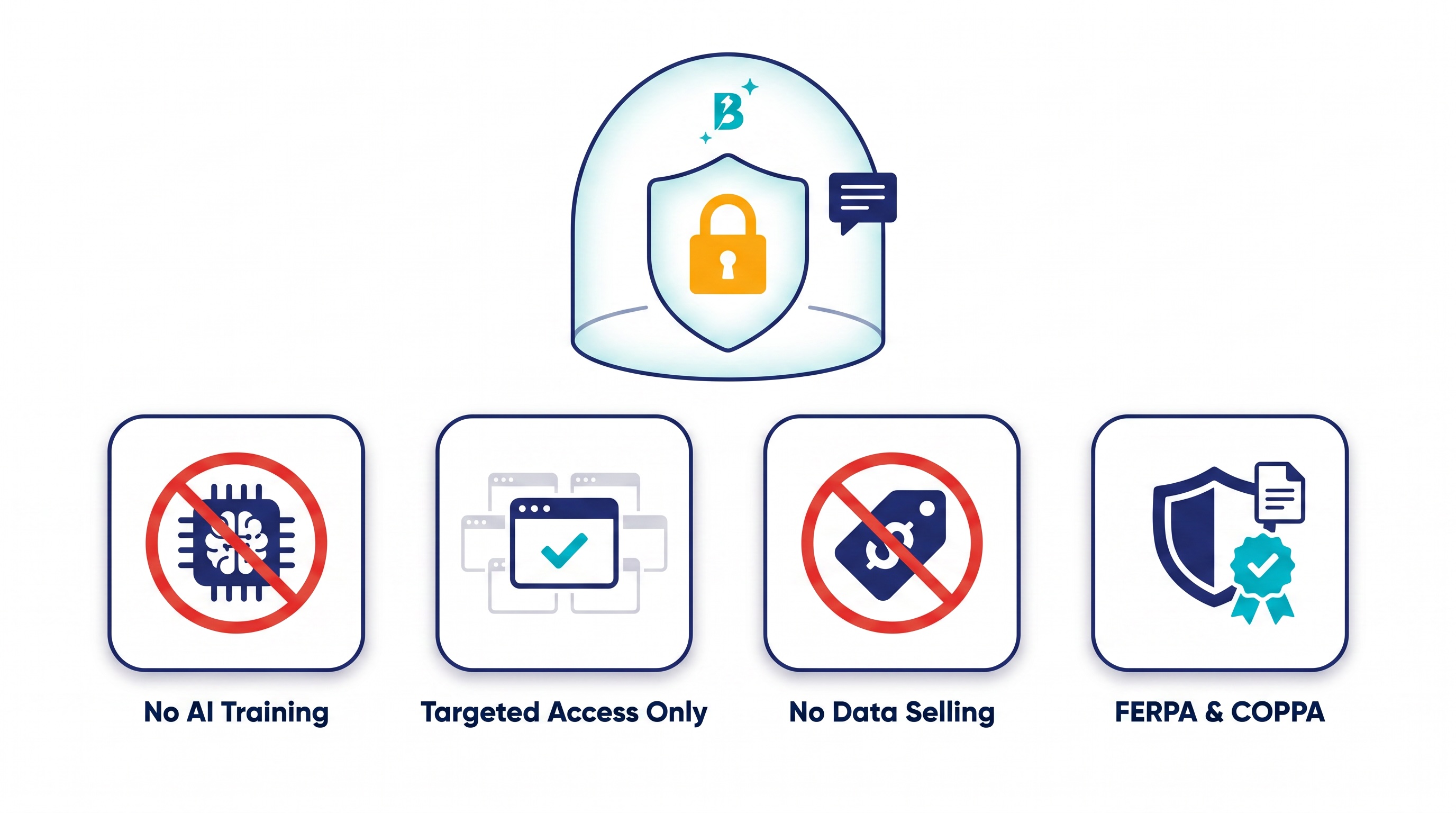
🛡️ Built-in Privacy: Locked by Design
BriskAI includes strict privacy protections that cannot be bypassed. The platform acts as a secure caretaker of school information, ensuring data remains strictly protected:
-
No "Hive Mind" Training: Student data, inputs, and generated work are never used to train global AI models.
-
Targeted Access Only: BriskAI only reads content when a teacher or student actively engages with it. It does not track browsing activity or access other tabs behind the scenes.
-
No Selling of Data: Student data is never sold or used for targeted advertising.
-
Legal Compliance: These privacy standards are hard-coded to meet strict federal requirements, making BriskAI fully compliant with both FERPA and COPPA.
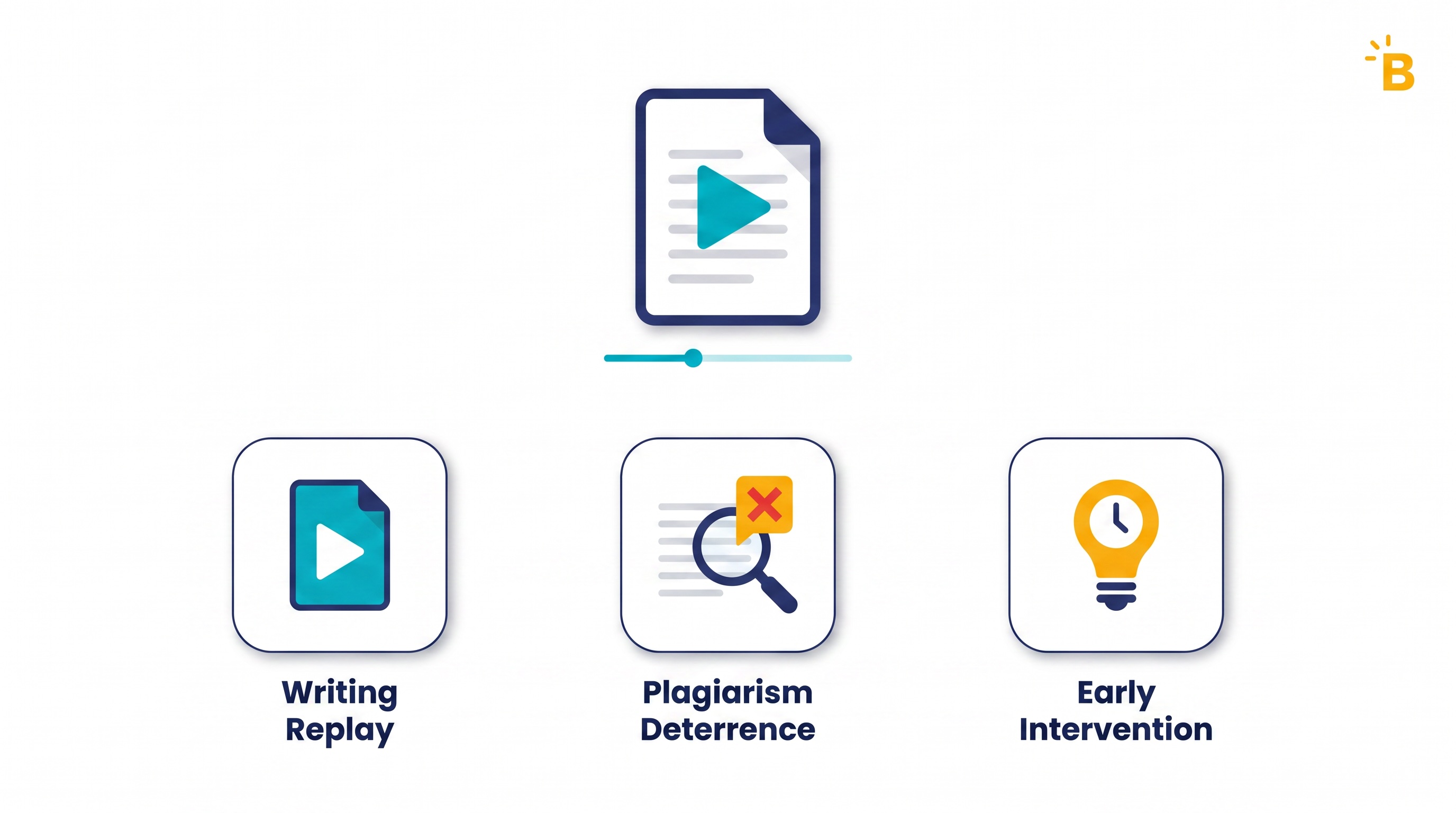
✍️ Academic Integrity & Teacher Tools
Before students interact with AI, teachers utilize BriskAI to create customized educational resources and ensure authenticity in student submissions.
To maintain high academic standards, teachers monitor student Google Docs with Brisk's "Inspect Writing" tool. This feature focuses on how a student writes, ensuring accountability by:
-
Visualizing the Process: The Inspect Writing tool provides a video-style replay of the student's writing journey directly within Google Docs. Teachers can watch how the document was created from the initial draft to final edits, seeing exactly what was typed, deleted, and pasted.
-
Plagiarism Deterrence: By allowing teachers to track milestones like rapid copy/pasting or sudden shifts in writing style, the tool helps to monitor for plagiarism and AI-generated text.
-
Early Intervention: Because teachers can see the exact timeline of how a paper was formed, it has served as an early deterrent against academic dishonesty. This transparency allows teachers to spot learning gaps and fosters open conversations about academic integrity.
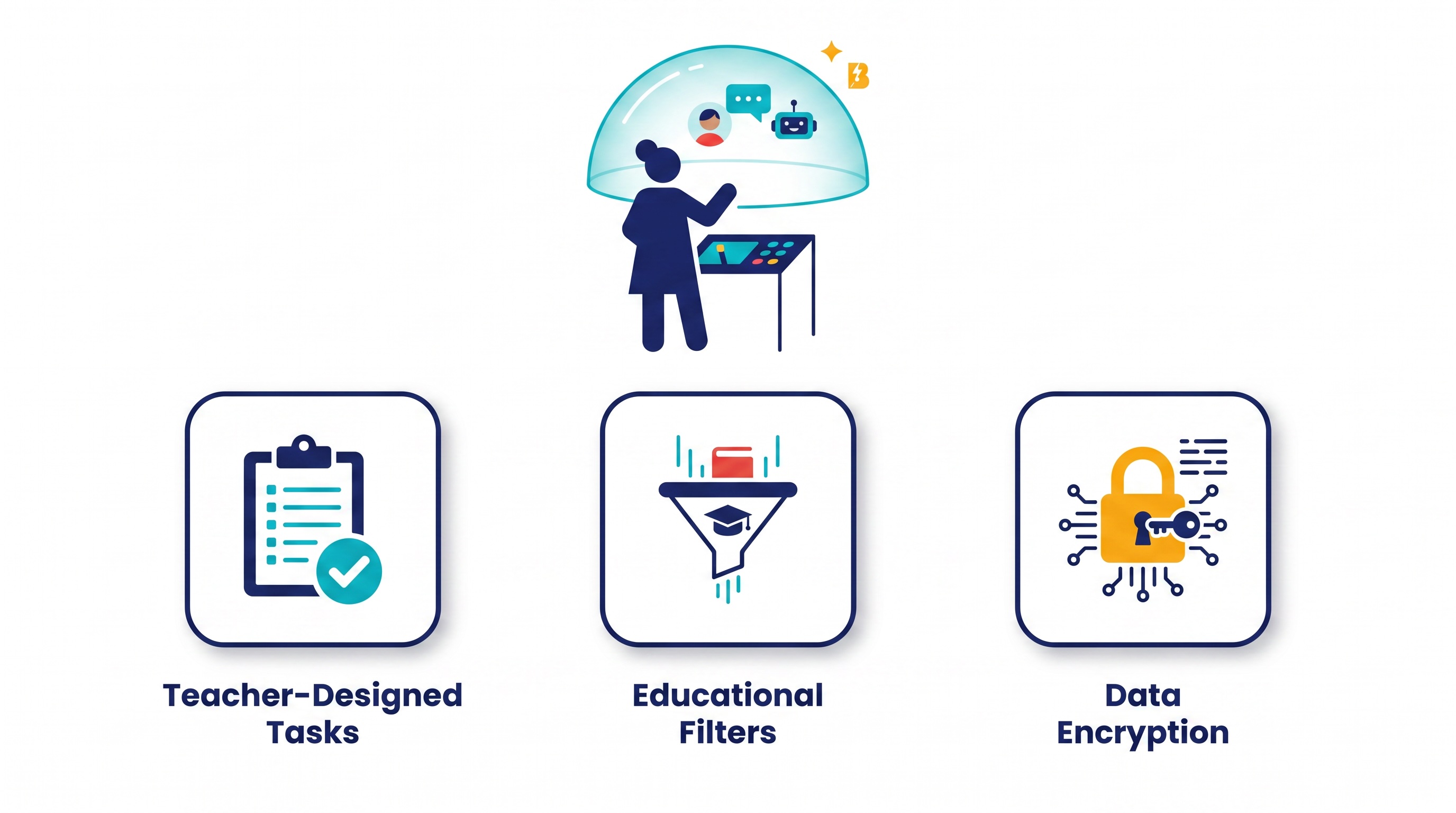
🚫 Mandatory Safety Guardrails & Teacher Controls
When students use BriskAI, they do not have unrestricted access to the internet or an open-ended chatbot. Instead, they interact within a heavily controlled environment governed by the teacher:
-
Tasks Designed by Teachers: Teachers are entirely in the driver's seat. They design the specific tasks, learning objectives, and guardrails for every single activity.
-
Educational Filters: The system utilizes strict educational filters to ensure the AI remains focused solely on the assigned topic and prevents inappropriate generation.
-
Data Encryption: All interactions and data are fully encrypted both in transit and at rest to prevent unauthorized access to student work.
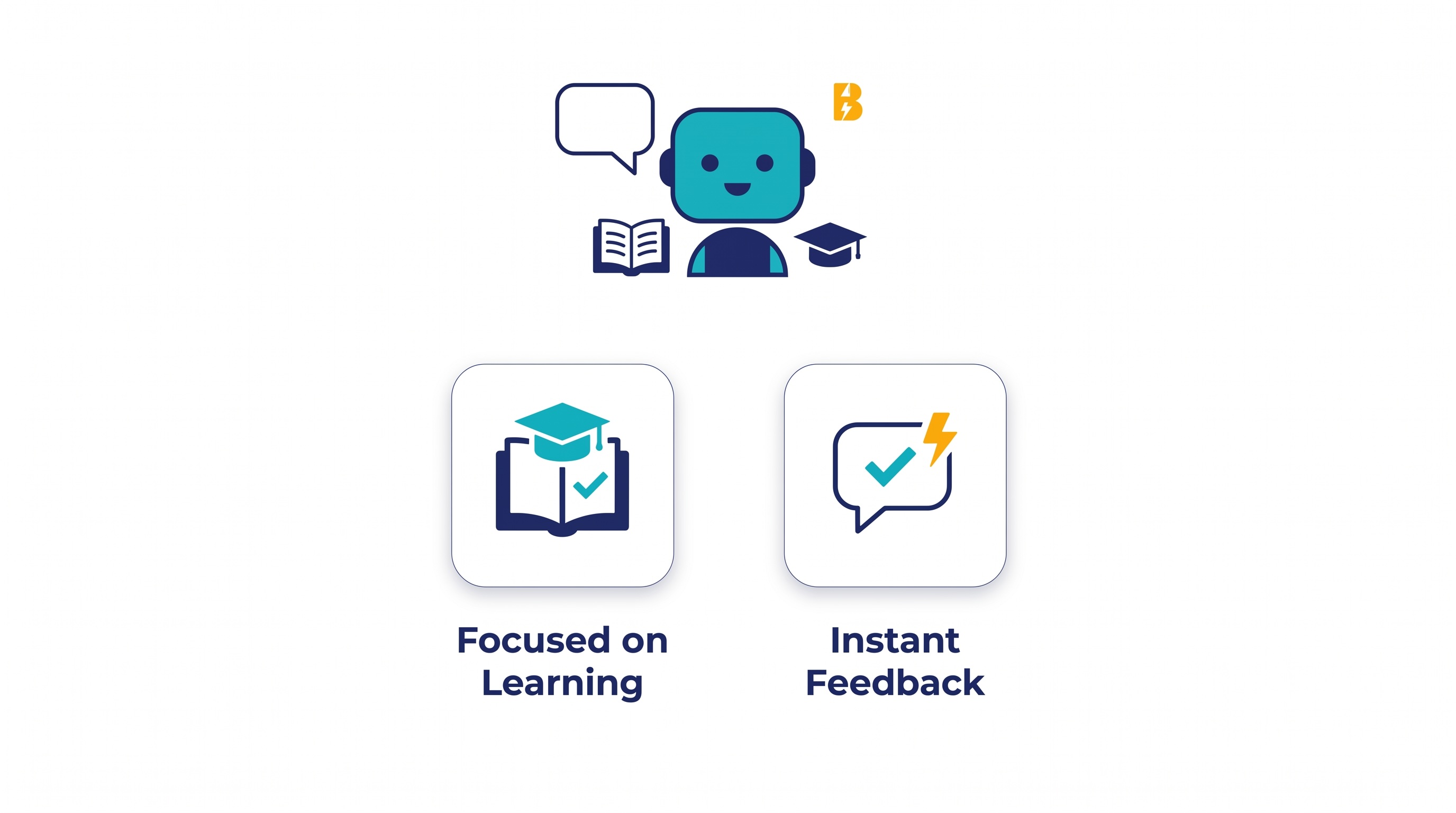
📂 Brisk Boost: The Student-Facing Tutor Bot
Students interact with the platform through a student-facing tutor bot known as BriskBoost. This tool is designed to provide immediate, personalized support under the direct supervision of their teacher.
-
Focused on Learning: All responses generated by Brisk Boost are explicitly focused on learning. The AI acts as a coach, helping students understand concepts, practice critical thinking, and build digital literacy rather than just giving them the answers.
-
Instant Feedback: Students receive real-time, targeted feedback directly within their assignments, helping them identify areas for improvement without waiting for manual grading.
-
Safe Engagement Monitoring: Teachers have access to dashboards that show them exactly who is engaged, who is stuck, and how students are progressing through the interactive activity.
🔍 Summary of BriskAI Controls
-
Educational Tool: BriskAI & Brisk Boost
-
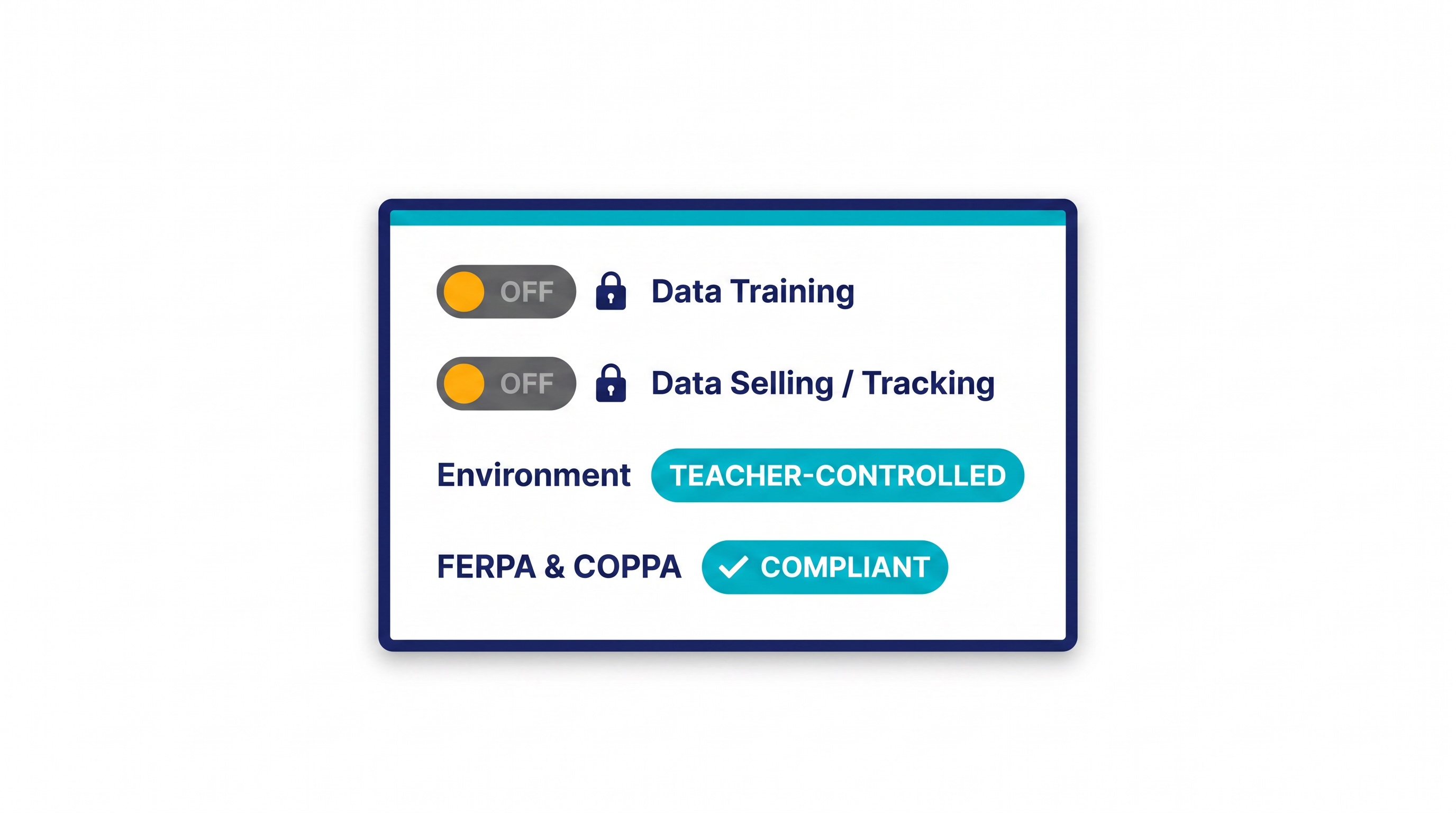
Data Training: PERMANENTLY DISABLED
-
Data Selling/Tracking: PROHIBITED
-
Environment: TEACHER-CONTROLLED
-
Privacy Certifications: FERPA & COPPA COMPLIANT
By utilizing BriskAI, our district ensures that teachers are empowered to create dynamic resources and monitor integrity, while students receive personalized, interactive support in a fully secure and private digital environment.

